UNPCPersonalityData → Pro Features | Grammar .

Settings
- Enable Grammar (Pro) - Master toggle
- Grammar Preset (Dropdown)
- None - Disabled
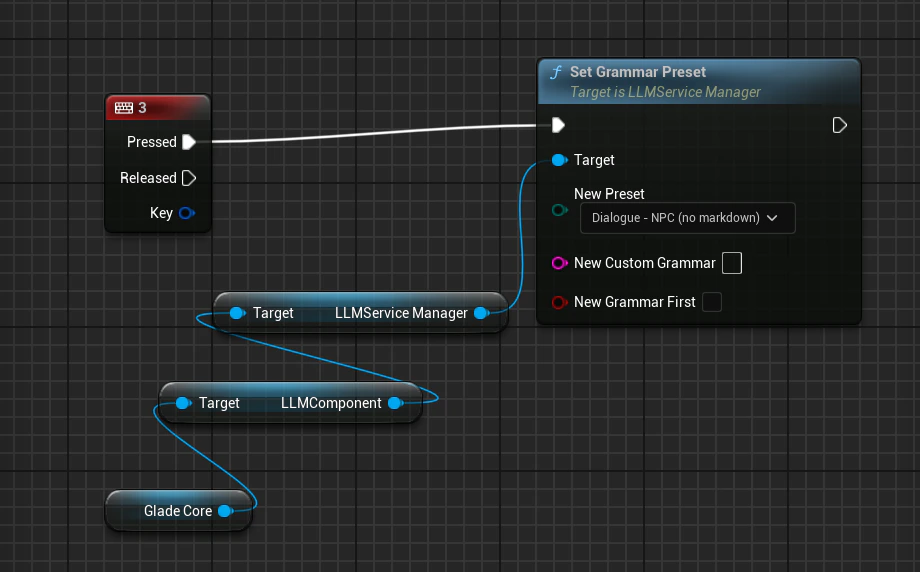
- Dialogue – NPC (no markdown) - Blocks *, #, >, bullets, tables. Recommended default
- Short Sentence - Exactly one sentence
- Yes or No - Output is strictly “yes” or “no”
- Emotion-Tagged Dialogue -
Output starts with: emotion: <word> + dialogue
(Word restricted to 8 states; parse first line for animation) - JSON Object - Output must be valid JSON
- Custom (raw GBNF) - Define your own grammar
- Custom Grammar (GBNF)
Only visible when Custom is selected - Grammar First
Off by default (faster). Enable only if every token must strictly match from position 1.
Runtime Override (Blueprint)