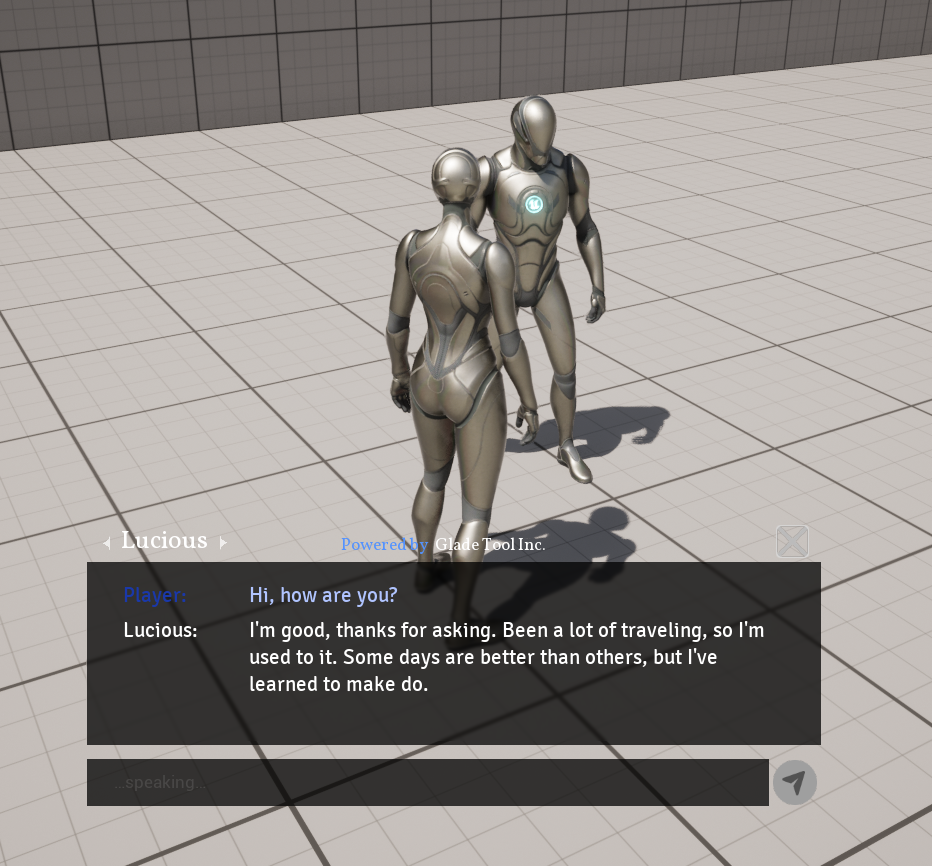
DemoLevel map to start testing immediately!
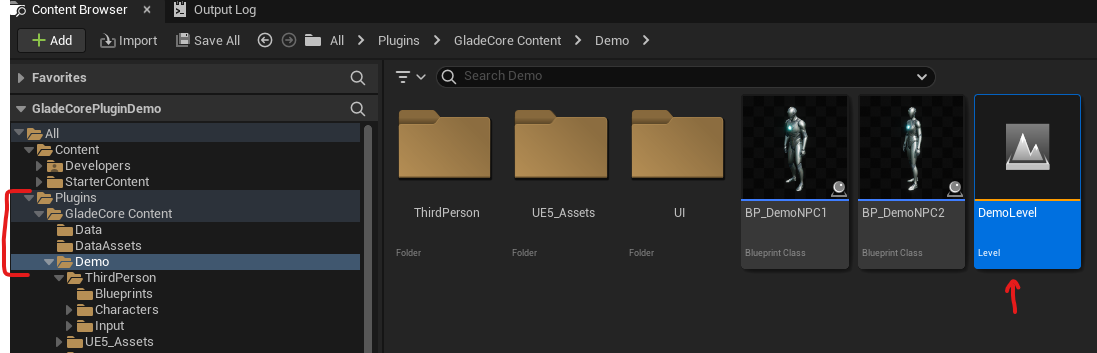
Note: if you don’t see the Plugins folder, make sure that “Plugin Content” is checked in your Content Browser settings.In our DemoLevel, walk up to a NPC then press E to open up the chat window. From there, you can press Enter to type to chat with an NPC or press V to directly use your microphone to talk to an NPC.